
AI LAB AT HOME

You don’t need a supercomputer to get started. By 2025, many generative AI models can run locally with a decent GPU and a balanced configuration.
Recommended minimums:
Processor with at least 6 physical cores 🧩
32 GB of RAM to avoid bottlenecks 🧠
1 TB NVMe SSD for fast dataset reads 💾
GPU with 8 GB of VRAM as a starting point (ideally: 16 GB or more) 🎮
🔍 Recommendation: It’s not about having the most expensive equipment, but about understanding the resources your workflow consumes. A well-optimized setup can outperform a more powerful but poorly configured one.
An AI lab generates heat, noise, and, in some cases, interference. That’s why the space where you set it up matters just as much as the hardware.
Practical tips:
Ensure good cross-ventilation 🌀
Use active heatsinks and quality thermal paste ❄️
Keep your lab away from sources of electromagnetic noise 📡
Protect your equipment with surge protectors ⚡
💡 Technical insight: Thermal stability extends the lifespan of your components and prevents errors during long training sessions.
Today, tools exist that allow you to run language, vision, or audio models directly from your computer, without sending data to external servers.
Some notable options:
LM Studio: user-friendly interface for running LLMs locally 🧪
Ollama: ideal for lightweight and fast models ⚡
Text Generation WebUI: versatile and customizable 🛠️
AutoGPTQ: specialized in quantized models 🧱
🔍 My analysis: Local AI is not just a cost-effective alternative; it’s a declaration of technological independence. You control your data, your resources, and your pace.
By 2025, training AI models at home is no longer a fantasy. Thanks to the optimization of architectures like Llama 3, Mistral, Gemma, and Phi-3, it’s possible to run and fine-tune language, vision, and audio models on home hardware.
Types of AI viable in home environments:
Small language models (up to 7 billion parameters) for tasks such as text generation, classification, or chatbots.
Computer vision networks for object detection, OCR, or image analysis.
Audio models for speech recognition, synthesis, or sound classification.
📌 Strategic analysis: Complete training of large models remains impractical locally, but fine-tuning, inference, and training of lightweight architectures are perfectly feasible. This allows for model customization without relying on third parties or exposing sensitive data.
Both environments have advantages, but they address different needs. The cloud offers scalability and on-demand power, while on-premises environments prioritize autonomy, privacy, and long-term cost savings.
On-premises training is ideal for:
Rapid prototyping and iterative testing.
Sensitive projects requiring complete privacy.
Customized workflows without environment restrictions.
Cloud training is suitable when:
You need to scale to multiple GPUs or nodes.
You work with massive datasets or large models.
You require distributed collaboration or global deployment.
📌 Strategic analysis: The key is to design hybrid workflows. You can train locally, validate results, and scale to the cloud only when necessary. This reduces costs without sacrificing flexibility.
Training AI models generates heat and consumes power. If you don’t manage these factors well, your lab can become unstable, noisy, and expensive.
To maintain efficiency and stability:
Use quantized models, such as GGUF or GPTQ, which require less VRAM and reduce thermal load.
Enable power throttling on the GPU to limit peak power consumption without impacting baseline performance.
Improve ventilation with active heatsinks, quiet fans, and high-conductivity thermal paste.
Schedule training sessions during cooler times and avoid running multiple heavy workloads in parallel.
📌 Strategic Analysis: Sustainability is not just an environmental concern, but an operational advantage. An efficient system consumes less power, runs cooler, and lasts longer. Home AI should be quiet, stable, and energy-responsible.
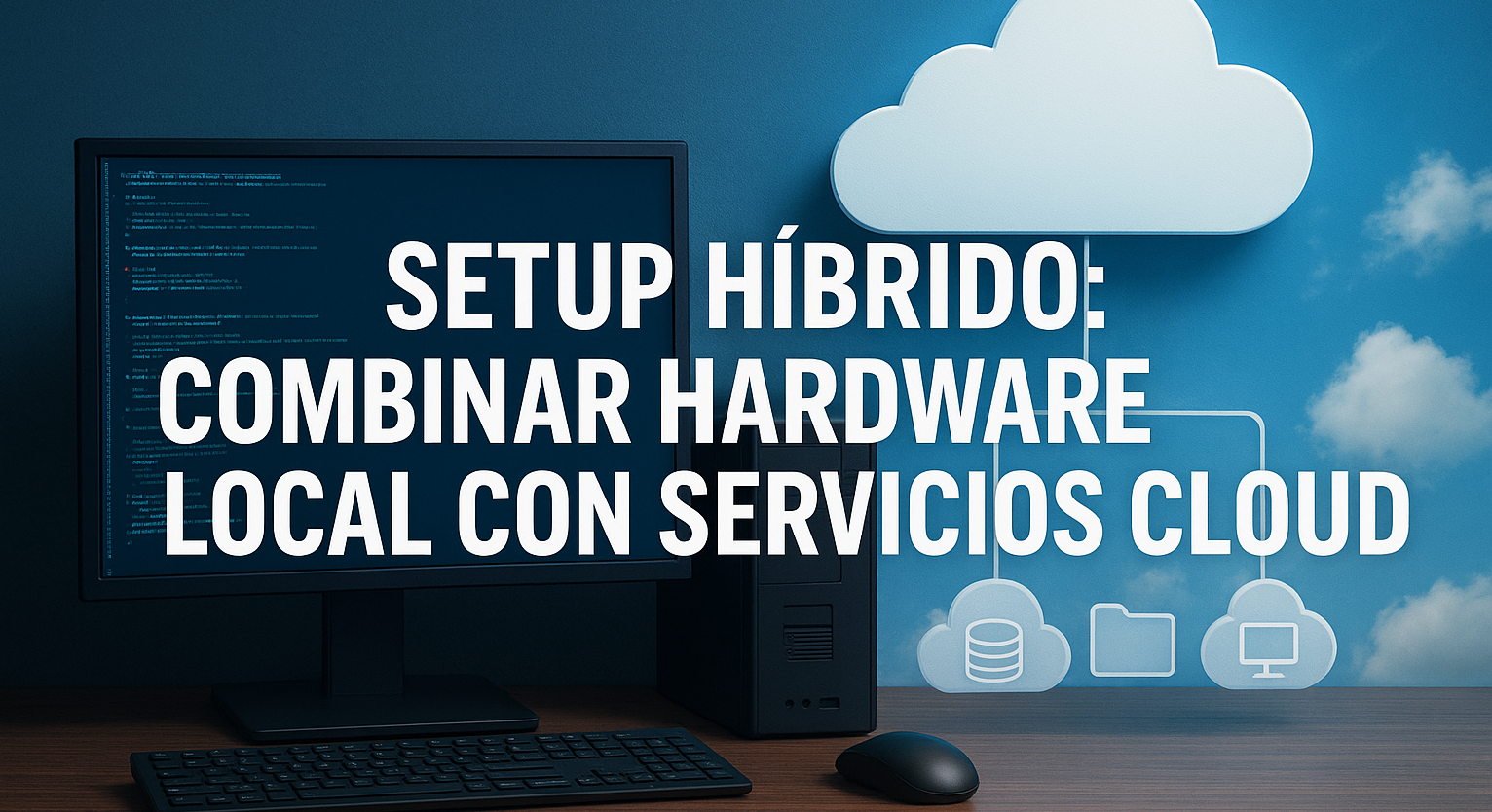
Distributed architecture allows model training to be divided among multiple devices or nodes, improving efficiency and reducing the load on a single machine. By 2025, this strategy has become accessible even to home labs thanks to tools like Ray, Petals, and Hugging Face Accelerate.
Key advantages:
You can train parts of the model on your PC and delegate heavyweight tasks to external nodes.
It allows scalability without requiring a single high-performance GPU.
It facilitates modular deployment, where each system component runs in an optimized environment.
📌 Strategic analysis: Distributed AI isn’t just for enterprises. With a good local network, you can simulate a home cluster and accelerate processes without relying on cloud services. This gives you control, flexibility, and technological sovereignty.
Setting up an AI lab might seem expensive, but there are smart ways to optimize without sacrificing capacity. By 2025, many developers are using refurbished components, open-source software, and hybrid setups to keep their budgets under control.
Effective tactics:
Use pre-owned GPUs with a good price-performance ratio (like the RTX 3080 or Radeon W6800).
Configure servers with AI-optimized Linux (Ubuntu + CUDA + ROCm).
Train quantized models that require less VRAM and power.
Leverage platforms like RunPod or Lambda for occasional, subscription-free tasks.
📌 Tip: Performance depends not only on the hardware but also on how you use it. A well-configured environment with lightweight software and efficient workflows can outperform more expensive but poorly managed setups.
When you combine on-premises hardware with cloud services, security becomes critical. By 2025, attacks on AI models will include manipulation of training data, parameter extraction, and inference sabotage.
Best practices for protecting your hybrid lab:
Isolate on-premises environments with firewalls and network segmentation.
Use end-to-end encryption for transfers between nodes.
Validate the integrity of downloaded models and verify their hashes.
Avoid automatic synchronizations without manual review.
Privacy isn’t just about protecting your data; it’s about understanding how your system behaves. Labs that map every algorithmic decision and audit their workflows are building real, not illusory, defenses.

Training a complete model involves building it from scratch: defining its architecture, feeding it massive amounts of data, adjusting millions of parameters, and validating the results. This process requires weeks of intensive computing, multiple GPUs, and a robust infrastructure.
Fine-tuning, on the other hand, starts with a pre-trained model and adapts it to specific tasks. By 2025, techniques like LoRA (Low-Rank Adaptation) and PEFT (Parameter-Efficient Fine-Tuning) will allow you to modify only a fraction of the model, reducing resource consumption without sacrificing accuracy.
Key comparison:
Complete training = total control, high cost, greater risk.
Fine-tuning = efficiency, speed, ideal for home environments.
Fine-tuning is the smart way to customize models without burning out your GPU. You can adapt an LLM to your writing style, train a visual detector for your dataset, or fine-tune an audio model to your voice, all from home.
Inference is the process of running a pre-trained model to generate results. While less demanding than training, it still requires speed, stability, and compatibility with modern frameworks.
Recommended components in 2025:
GPU: RTX 4070 Ti, 4080 Super, or Radeon Pro W7800, with CUDA or ROCm support.
RAM: 32 GB DDR5 to avoid multitasking bottlenecks.
Storage: NVMe Gen4 SSD for fast model and dataset loading.
Network: 2.5G Ethernet or Wi-Fi 6E if working with distributed nodes.
Inference isn’t just about execution; it’s about execution quickly and flawlessly. Well-balanced hardware allows you to test multiple configurations, compare results, and maintain uninterrupted productivity.
Algorithmic traceability involves recording every decision a model makes: what data it used, what parameters it activated, and what result it generated. Benchmarking, on the other hand, evaluates the model’s performance on specific tasks, comparing it to standards or previous versions.
Key tools for home labs:
Weights & Biases (W&B): for tracking experiments, visualizing metrics, and comparing runs.
MLflow: for complete traceability of models, datasets, and configurations.
Text Generation WebUI + Eval Harness: for evaluating LLMs on language tasks with custom metrics.
Without traceability, there is no improvement. And without benchmarking, there is no validation. These tools transform your lab into a professional environment, where every experiment leaves a trace and every result has context.
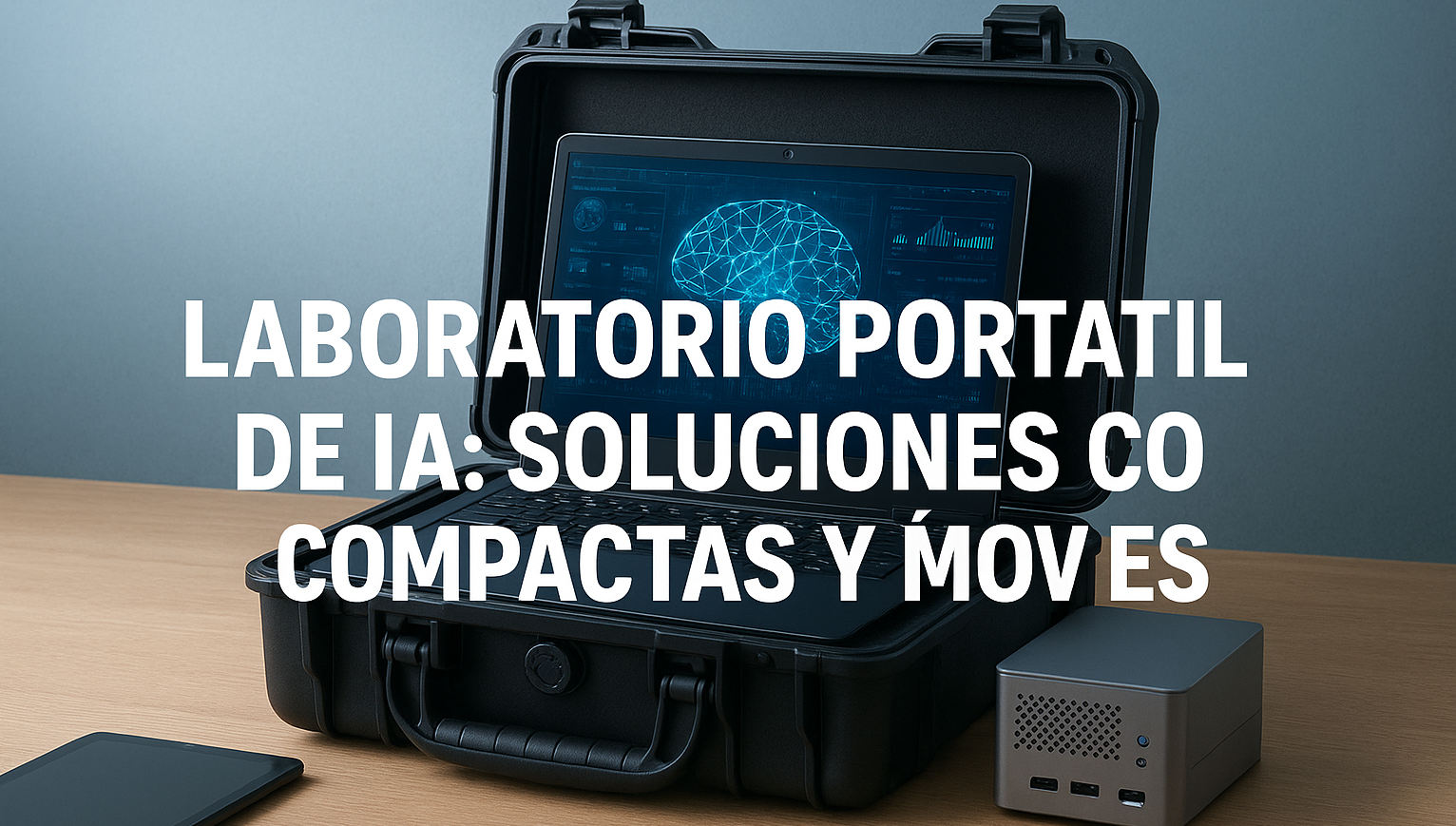
By 2025, portable labs are no longer just a promise: they’re a functional reality. Devices like the Sapphire Edge AI, with Ryzen AI 300 series processors and 50 TOPS NPUs, are designed to run AI models in real time without relying on the cloud.
Key options:
Edge AI Mini PCs: compact, quiet, with local inference capabilities and modular expansion.
Laptops with dedicated GPUs: ideal for mixed tasks of light training and accelerated inference.
Edge AI devices: such as the Jetson Orin Nano or Coral Dev Board, designed for embedded AI in the field.
The key is choosing devices that are not only portable but also have an architecture optimized for AI. Small size isn’t enough: they must be intelligent, efficient, and compatible with your workflows.
A portable lab allows models to be run directly at the scene of the action. This is vital for tasks requiring low latency, autonomy, and immediate response.
Real-world applications:
Computer vision: object detection, medical image analysis, industrial inspection.
Audio processing: speech recognition, environmental sound classification, real-time synthesis.
Autonomous robotics: navigation, local decision-making, interaction with humans without server connectivity.
📌 Strategic analysis: Bringing AI to the edge (edge computing) is not just a technical matter, but an operational one. It allows for operation without relying on connectivity, protects sensitive data, and reduces the time between perception and action.
Mobility demands energy independence. By 2025, portable labs will integrate long-life batteries, foldable solar panels, and thermal management systems to operate in harsh conditions.
Key recommendations:
Use high-capacity power banks with PD (Power Delivery) output to power laptops and mini PCs.
Integrate portable solar panels for extended field missions.
Configure hybrid connectivity: Wi-Fi 6E, 5G, and mesh networks for seamless synchronization.
📌 Strategic analysis: A portable lab should not depend on power outlets or fixed networks. Energy autonomy and smart connectivity are what transform a mobile device into a true AI station.